Free for macOS
Every file tool.
None of the cloud.
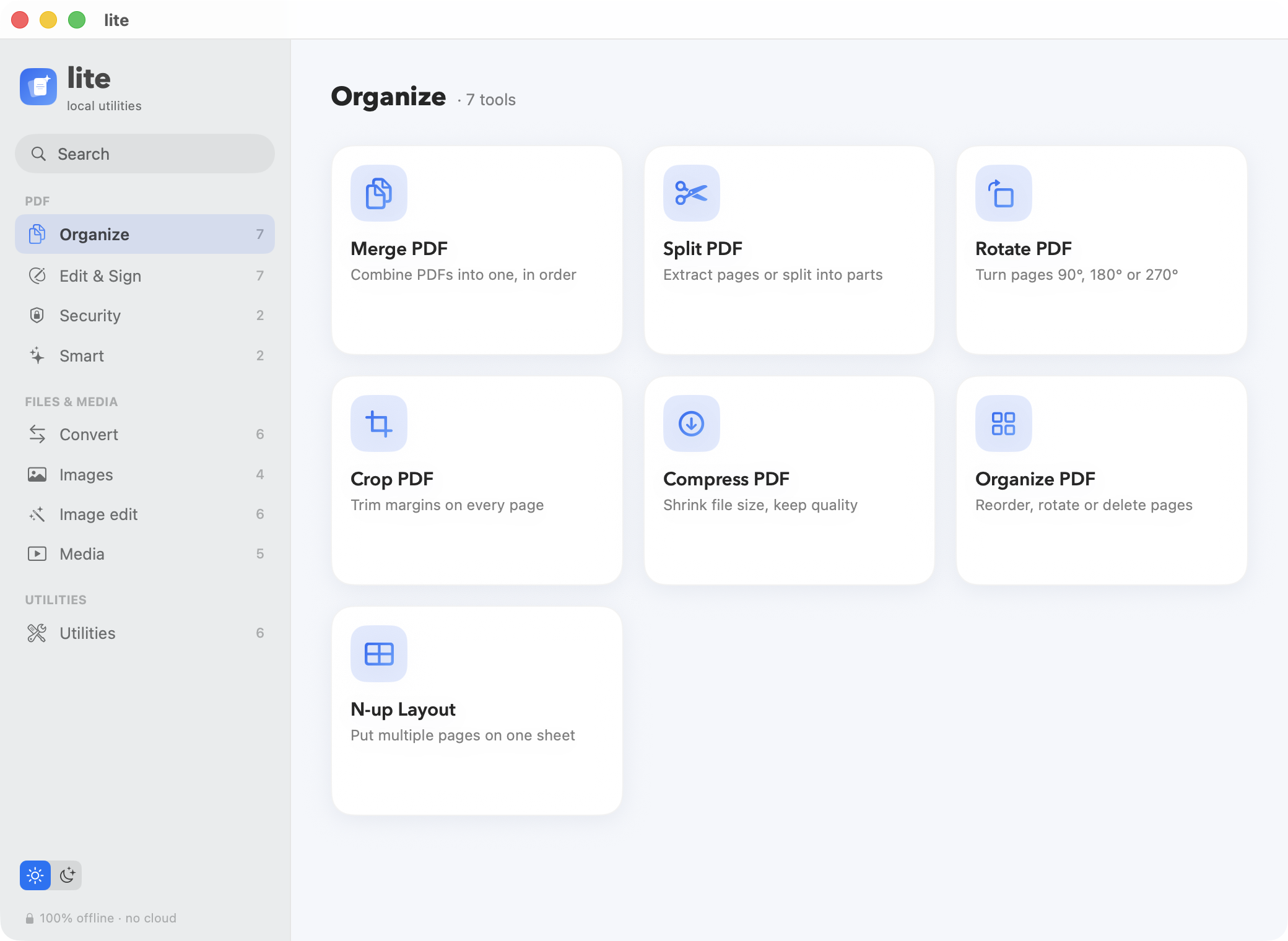
75 tools for PDFs, images, video and more. All on your Mac.
Free for macOS
75 tools for PDFs, images, video and more. All on your Mac.
Merge, compress, convert, sign, OCR, transcribe, remove backgrounds, trim video, and more. Drag, drop, done.
Every tool runs on-device. Files never upload.
No subscriptions, no sign-ups, no trials.
Works with the Wi-Fi off. Native-fast.
OCR, transcribe and blur faces, privately.
Your files never leave your laptop.
No cloud servers. No telemetry. No account. lite does its work on-device and forgets about it. The only network request in the whole app is a web page you ask it to convert.
75 tools across PDFs, images, media and quick utilities.
Free and unsigned, so the very first open needs one extra click.
Double-click lite.dmg in your Downloads.
If macOS says it can't be verified, open System Settings → Privacy & Security and click Open Anyway.
Yes. Completely free, with no subscriptions, sign-ups, or trials.
Never. Every tool runs on-device with Apple frameworks. Your files never leave your Mac. The only network request in the app is the optional HTML-to-PDF feature, which fetches a page you type.
Yes. Turn off Wi-Fi and every tool still works.
75 tools across PDFs, images, video and utilities: merge, split, compress, convert, sign, redact, OCR, transcribe audio, remove backgrounds, trim video, QR codes, file encryption and more.
Yes. The same kind of PDF and image tools, but everything runs locally with no uploads, no account, and no tracking.
Open lite.dmg, drag lite to Applications, then launch it. Because it is free and unsigned, the first open may need System Settings → Privacy & Security → Open Anyway.